
My asanas
Keep track of your last asana, mark a new one when your teacher gives it, and look back at how things unfolded.
Set where your practice ends
Section titled “Set where your practice ends”- Send
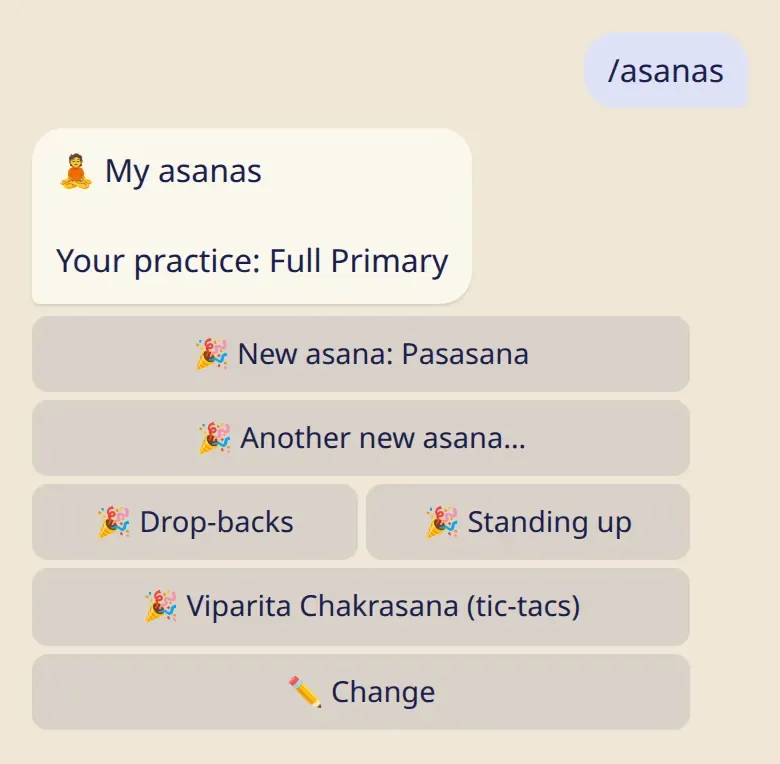
/asanas, or tap 🧘 My asanas in the app. - The first time, pick the series and your last asana.
From then on, 📏 Length also offers your own practice when you log.
A new asana 🎉
Section titled “A new asana 🎉”When your teacher gives you the next asana, open /asanas and tap the button with its name. Got more than one? 🎉 Another new asana… lets you choose.
Drop-backs, standing up from a backbend and tic-tacs have their own buttons. Mark them whenever they come, in any order.
Fix a mistake
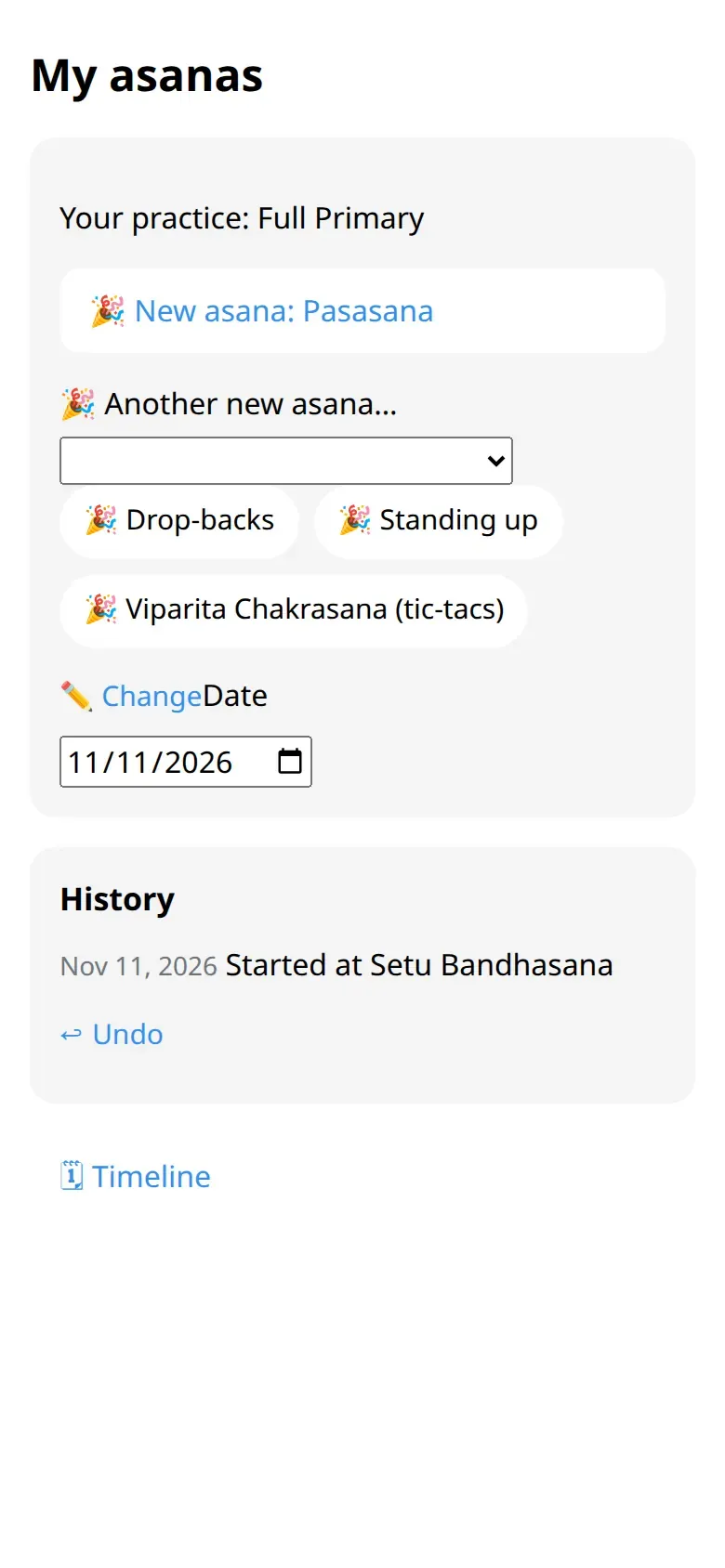
Section titled “Fix a mistake”- ↩︎ Undo takes back the last mark.
- ✏️ Change sets where your practice ends now, without a celebration. Use it after a break, or if you tapped the wrong asana.
When your teacher marks it
Section titled “When your teacher marks it”A teacher on your list can mark a new asana for you. The bot tells you who did it, and you can undo it if it doesn’t match.
Look back
Section titled “Look back”In the app, 🗓 Timeline shows your asanas with their dates, newest first.
Good to know
Section titled “Good to know”- You mark asanas yourself, on trust. Nothing is “unlocked”, and nobody checks.
- A teacher on your list sees where your practice ends now. They don’t see the history.